
Event emails help you win attendees for your event, keep them informed and build lasting relationships. But how do you write an event email that actually lands? In this article, I’ll walk you through it step by step, from the first plan to the follow-up.
With the right tools, you save time, keep your attendee management under control and can see what your emails achieved in the end.
Planning: preparation is everything
Before you write the first email, careful planning pays off. Only when you know your audience and the right timing do individual emails turn into an email campaign that works.
Audience analysis and personalisation
Who do you want to reach? Segmenting your recipients carefully is the foundation for personal emails. The better the message fits, the more likely your invitation is to be read and answered. Use tools that let you personalise emails without taking up much more of your time.
Timing and send schedule
When do the invitation, reminders and follow-ups go out? It’s best to decide this before you send the first email. A schedule for an in-person event could look like this:
| when? | |
|---|---|
| 6 to 8 weeks before | Save the date |
| 4 to 6 weeks before | Invitation with registration |
| Right after registration | Confirmation with calendar entry |
| 1 week before | First reminder |
| 1 day before | Final reminder with directions or access link |
| Within 24 hours after | Follow-up |
For larger conferences, start earlier. For an internal webinar, two weeks’ notice is often enough.
The perfect event email: how to get attention
An event email that catches the eye is made up of a few clear building blocks.
The greeting: the more personal, the better
Imagine opening an email that starts with “Dear Sir or Madam”. Sounds pretty impersonal, doesn’t it? That’s why it matters to address your recipients directly. A personal greeting like “Hi Anna” or “Hello Max” creates an instant connection and shows that each guest matters to you.
The intro: spark interest
Your intro should make people curious. Instead of starting with dry facts, you can open with a question or a short scenario. For example: “Imagine spending a day learning from experienced peers in your industry and making new connections along the way.”
One thing matters here: the key message still belongs in the first few sentences. Many email apps now show an AI summary before anyone opens the email, and whatever is at the top ends up there.
The facts: clear and easy to scan
The key event details must not be missing. The five Ws help:
What is happening? (e.g. “Marketing Summit”)
When is it happening? (date and time)
Where is it happening? (venue with a link to the map)
Who is speaking, performing or attending? (speakers or special guests)
How can people register? (link to registration)
This information should be visible at a glance so nobody has to search for it.
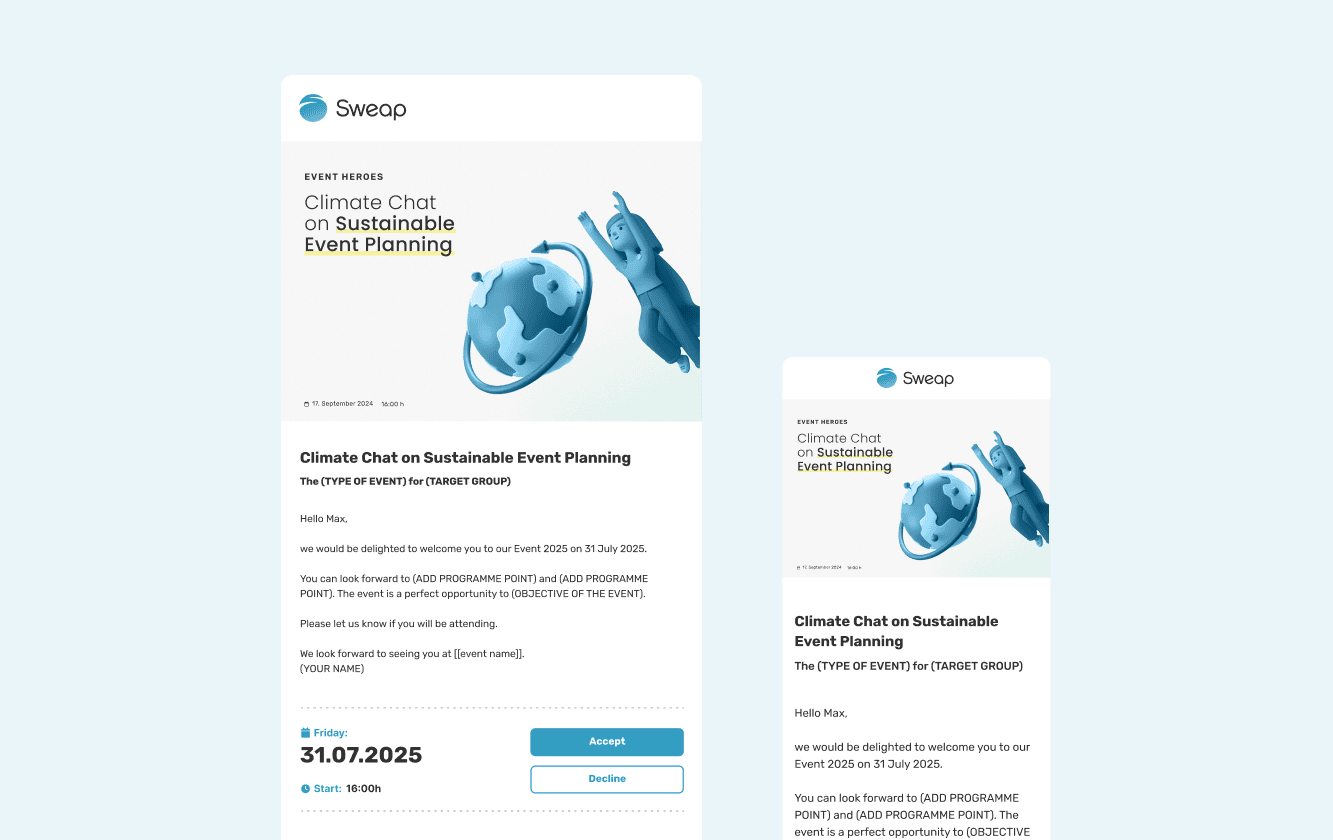
All essential information at a glance
The main part: convincing arguments
This is where you show why attending is worth it. What makes your event special? What content or guests can people look forward to? Focus on the value for your recipients: what will they take away, who will they meet, which question will be answered?
Call to action: a clear next step
A clear and visible CTA is essential. Phrases like “Register now” or “Save your spot” work well. Place the button somewhere prominent and, in longer emails, repeat it at the end.
Reminder emails: stay on people’s minds
Timing
Send a first reminder about a week before the event, the next one two to three days before and possibly a final one the day before. That keeps your event present without anyone feeling pushed.
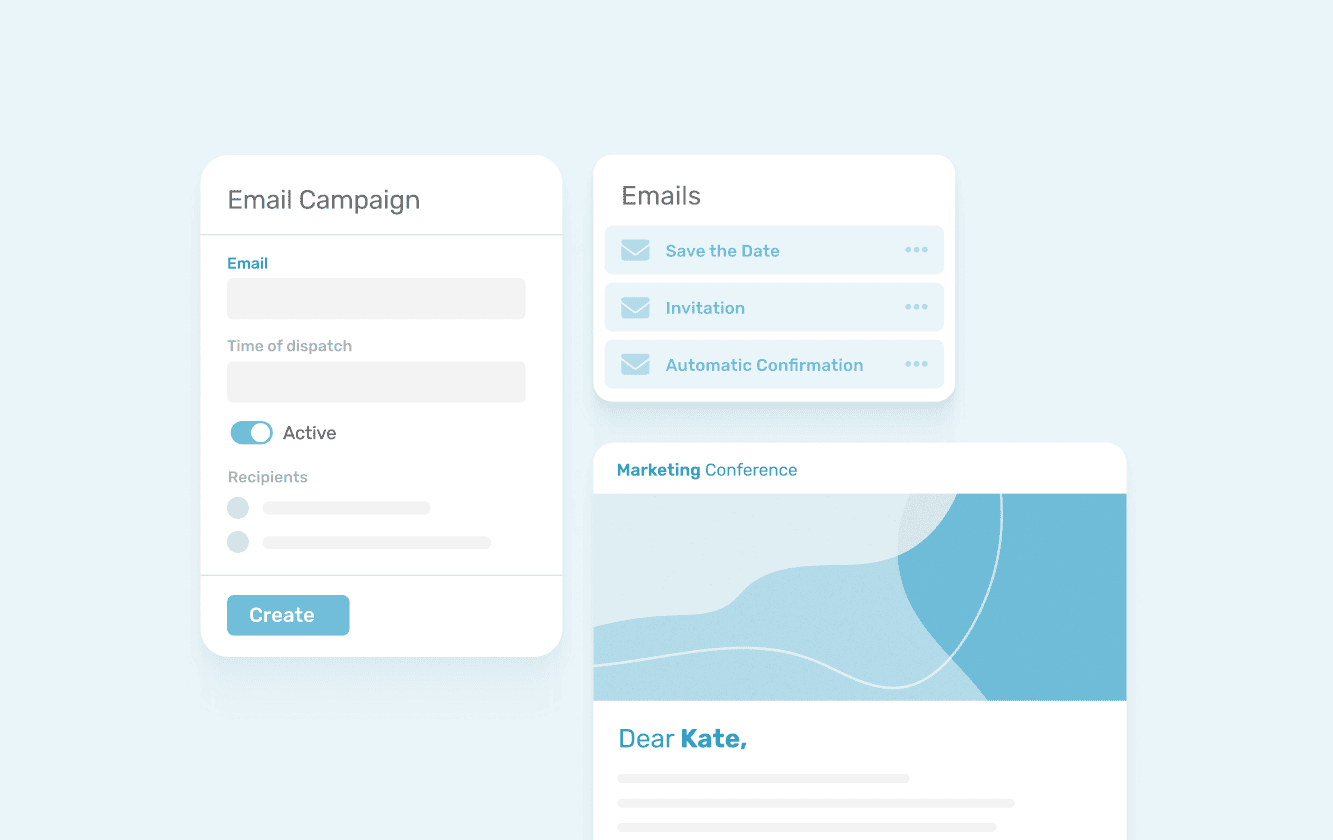
Automated campaigns make your work easier during the planning phase
Personalised content
Different content for different groups makes sense here too. People who have already registered get a reminder with practical details like directions, the agenda or the access link. People who are still undecided get a friendly final nudge to register.
Follow-up emails: the key to long-term relationships
Once the event is over, most guests quickly go their own way and the team moves on to the next project. Yet this is exactly the moment when you can strengthen relationships. With well-thought-out follow-up emails, you build on the experience and stay in touch.
Preparation: the right recipients
Only send the follow-up to the people who actually attended. If you have run a lot of events, you will quickly have thousands of addresses in your system. So segment by event and by attendance status to make sure no email reaches the wrong person. For international online events, it also pays to send by time zone.
Timing of the follow-up
Ideally, a follow-up email goes out within 24 hours of the event. Impressions are still fresh then and your guests are open to more content. A quick follow-up also shows appreciation and professionalism.
Thank you and summary
Thank your guests for attending and briefly sum up the key points. It shows you value their time and helps them recall the highlights. For example: “Thanks so much for joining us! Here are the highlights and the slides to download.” Keep the thank-you simple, direct and sincere.
An email for everyone who couldn’t make it
Don’t forget the guests who registered but didn’t show up. There is usually a good reason. A short message with a summary and a link to the recording or materials keeps you in touch and makes them want to come next time.
Offer extra value
Share materials your guests will find useful, such as video recordings, slides or photos. The easiest way is to bundle everything on a post-event page and link to it in the email. That way, attendees can dig deeper into the content and revisit the highlights, which strengthens their connection to your brand.
Ask for feedback
A short survey in the follow-up shows you which sessions went down well and where there is room to improve. Keep it short and avoid complicated questions. Your guests feel heard, and you get a solid basis for your next event.
Prepare for the next event
Use the opportunity to mention upcoming events. A small teaser or a save the date keeps interest alive. Your guests can note the next date early, and step by step a community grows around your events.
Layout and design: use the visual impact
With the right design, your email stands out and your brand stays top of mind.
Consistent branding
Your event emails should match your branding visually. Use colours, fonts and logos the same way everywhere. It looks professional and recognisable.
Visual elements
Images, videos or GIFs break up the text and catch the eye. Make sure the key details still appear as text in the email and not only in an image. That helps spam filters, AI summaries and people using screen readers.
Dynamic email builder
To keep designing your event invitations fast and flexible, a dynamic email builder is worth it. It lets you adjust layout, colours, fonts and logos easily and makes sure every email is on brand. Designs and templates are stored centrally. That makes teamwork easier: your emails look professional and consistent, even when several people work on them.
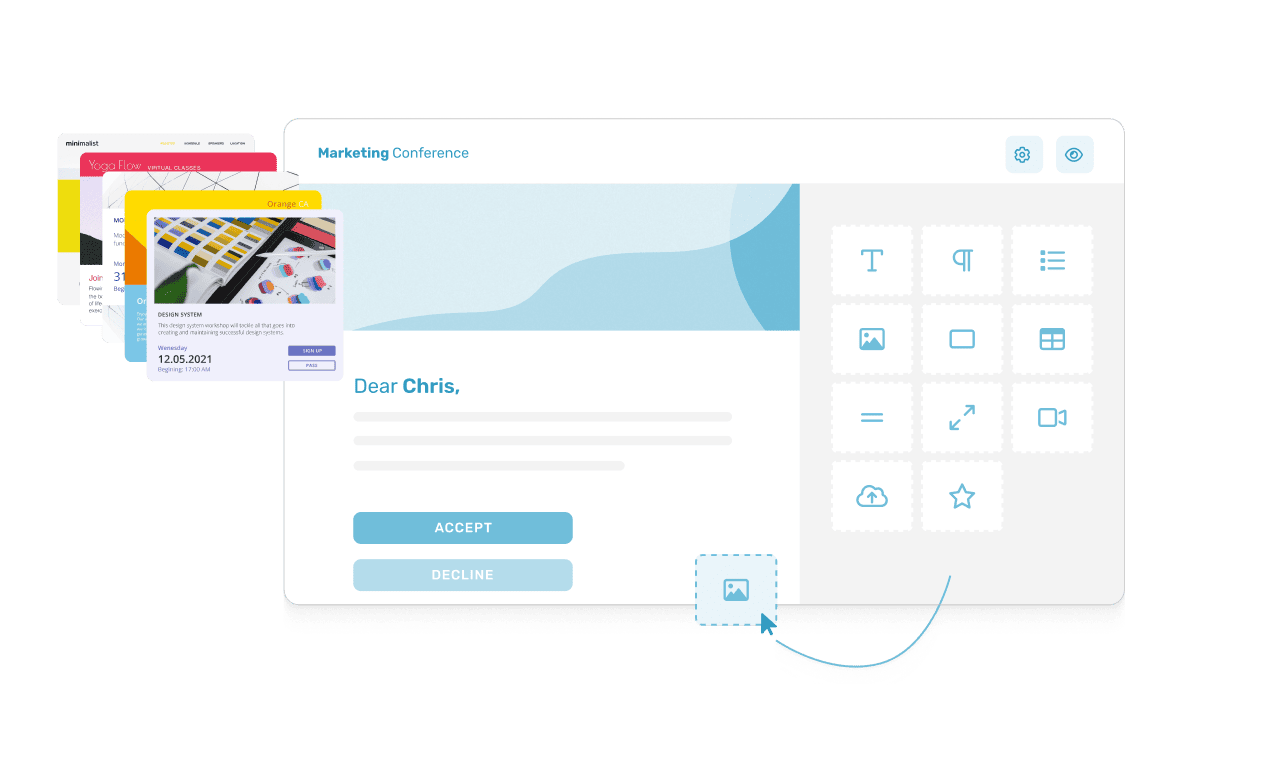
Sweap’s dynamic email builder enables limitless email design
Mobile-friendly and accessible
Your emails should be easy to read on every device. A responsive design makes sure they look just as good on a smartphone as on a desktop. Also think about sufficient contrast, readable font sizes and alt text for images.
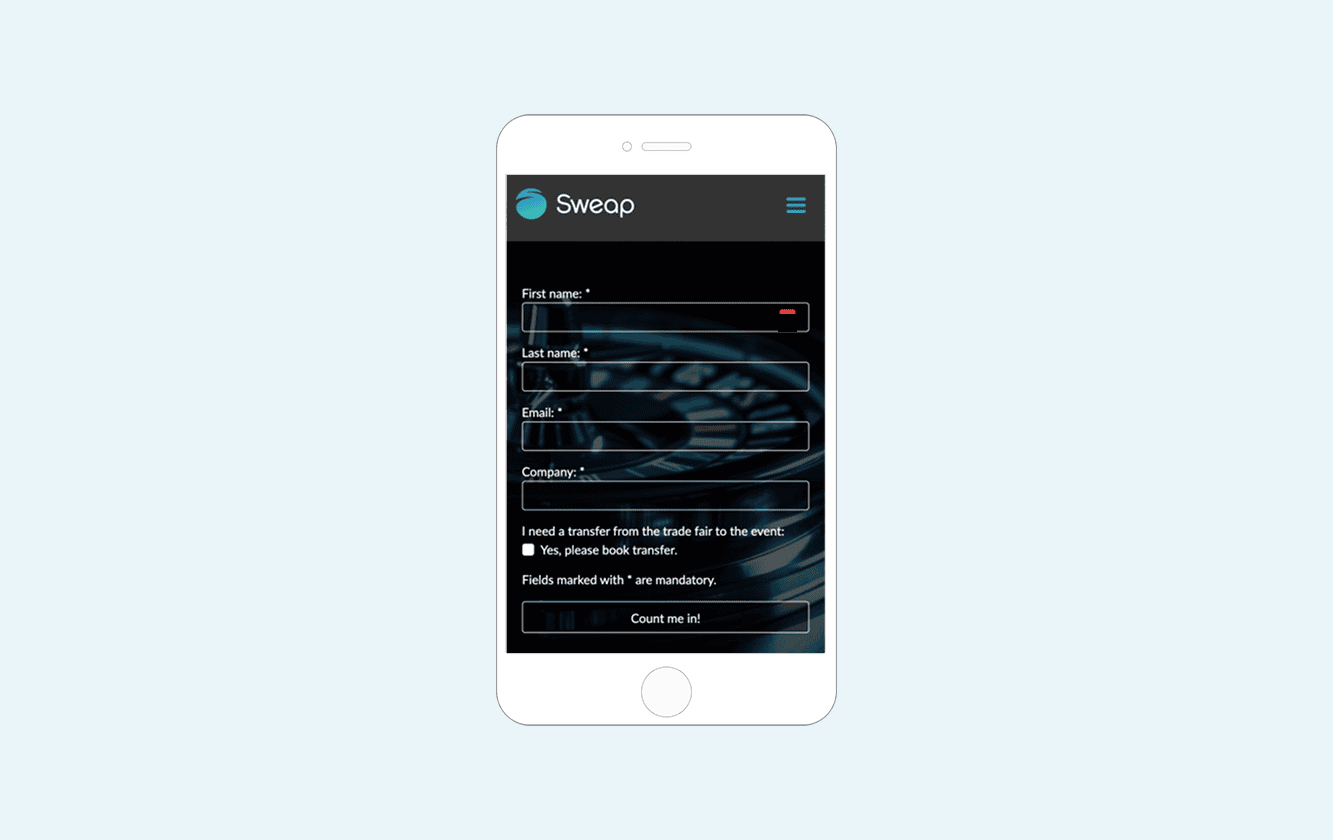
This is what a well-designed event email could look like on your smartphone
Final check: metrics and legal requirements
Before you send your emails, keep an eye on metrics and legal requirements.
Data analysis and improvement
Track how your emails perform. Clicks, registrations and the attendance rate are the most meaningful metrics. Open rates are only partly reliable today, because Apple Mail preloads messages automatically. A/B tests show you which subject lines, CTAs and layouts work best for your audience.
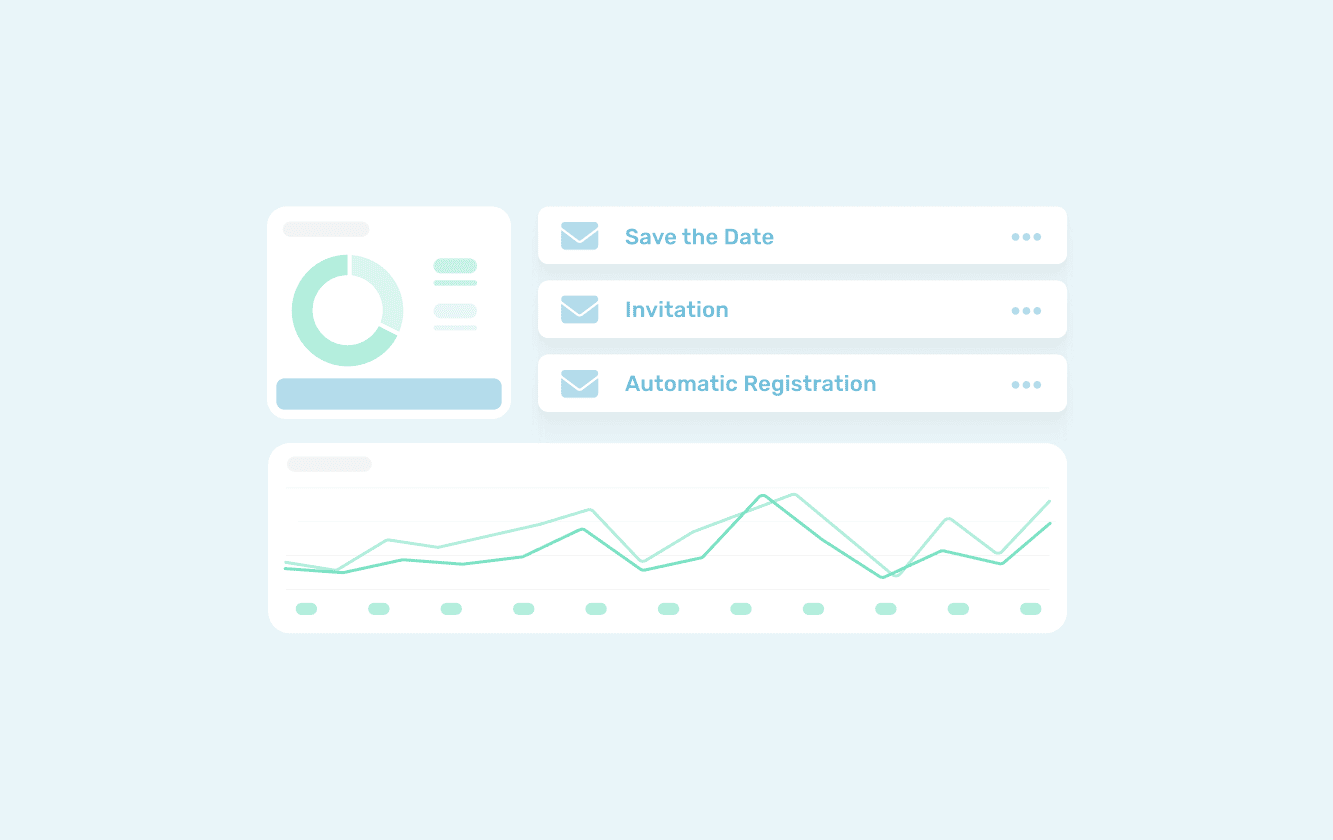
This tool shows how well your invitations and reminders are performing
Deliverability
To make sure your emails land in the inbox, your sending domain should be set up with SPF, DKIM and DMARC. Google, Yahoo and Microsoft now require this from high-volume senders (Red Sift). It’s best to check this once with your IT team.
Legal aspects
Make sure you comply with the applicable data protection rules such as the GDPR. Every recipient must be able to unsubscribe from your emails easily at any time.
Conclusion
Good event emails take more than good wording. Every step counts, from planning and a personal tone to the follow-up. Once you have set up a clear schedule, fixed templates and clean segments, you can reuse that setup for every event that follows. It saves time and makes sure your communication works reliably.
With Sweap, you plan invitations, reminders and follow-ups in one place, design them in your own corporate design and see straight away how they perform. If you have questions or need support, just get in touch.